Separate a signature from a company stamp
Professional signature and stamp separation starts with your original document. Upload a photo, scan, or PDF crop to prepare the handwriting and stamp as individual PNG images. Then create subtle variations of the same signature while keeping the stamp separate.
US$7.99 per upload · Final results after payment · No subscription
A signature separated from its company stamp
Compare the uploaded photograph with its completed signature and stamp results.
A real test from the studio
From one photo to two separate images
A handwritten signature crosses a company stamp on lined paper.
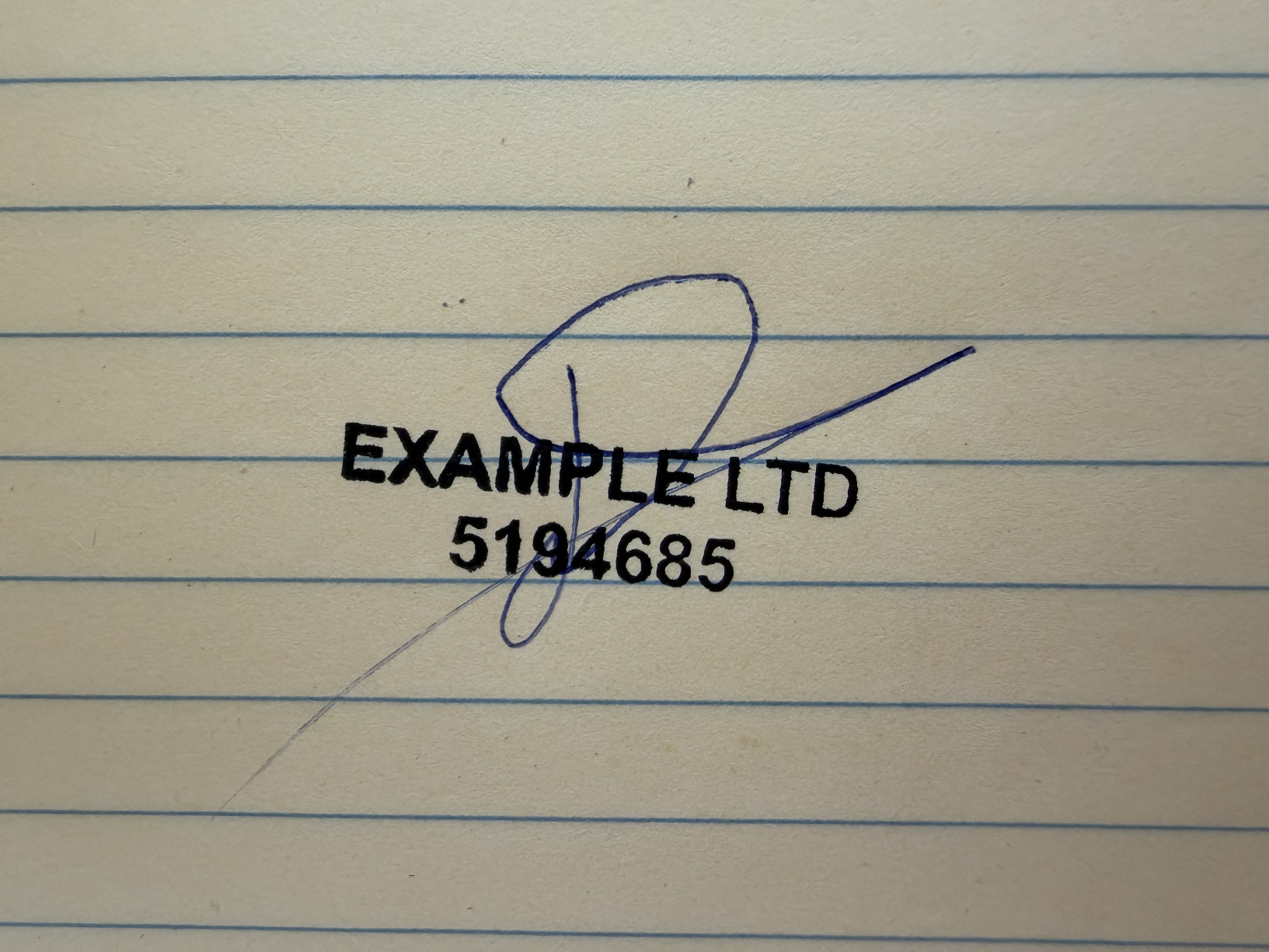
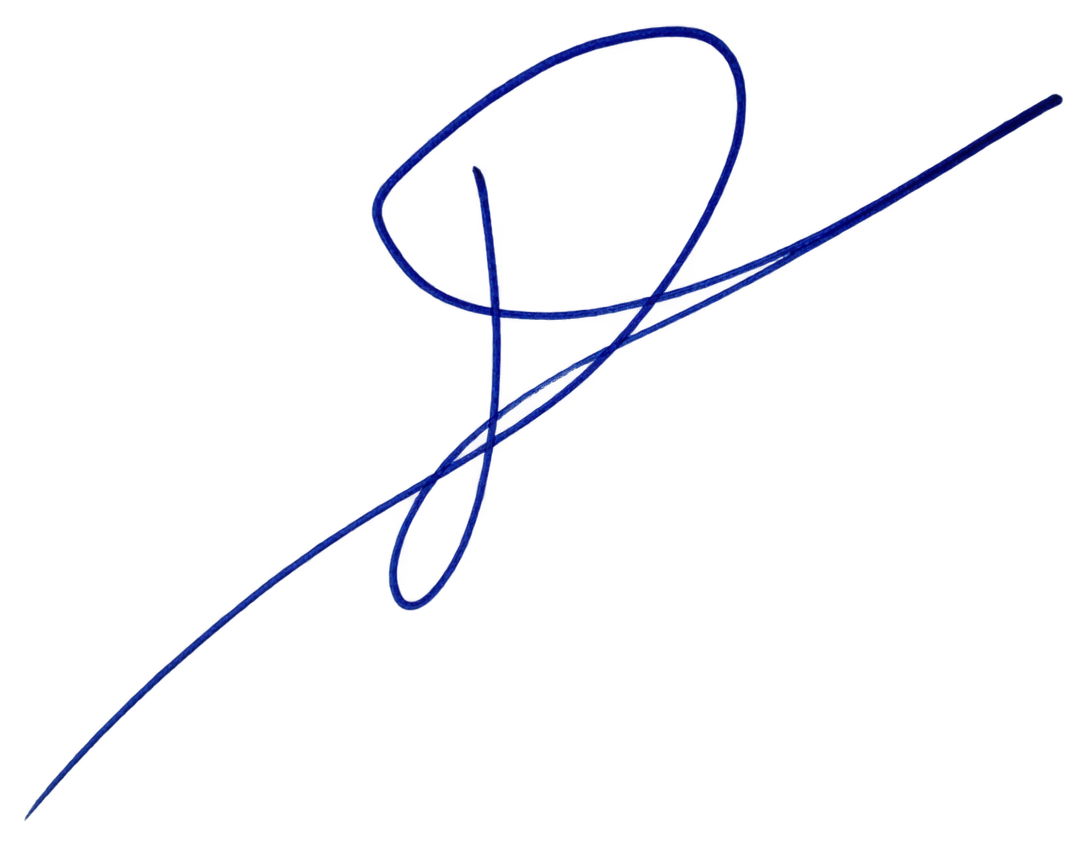
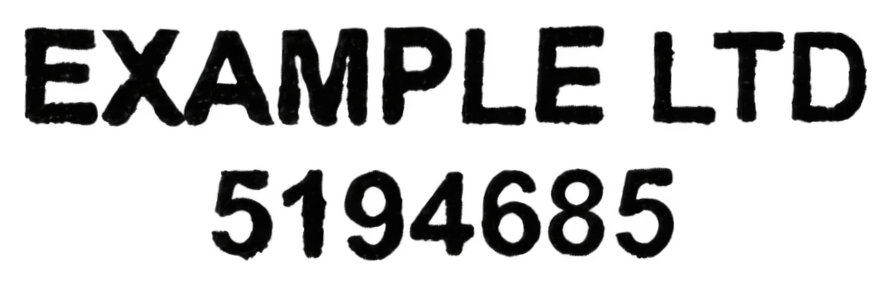
Actual completed results from the same upload, shown upright, with the stamp’s text rows leveled. Reconstructed strokes are estimates; compare lettering and handwriting with your original. Images are fitted to each panel for visibility.
What to inspect: follow the pen strokes through the lettering, then compare every stamp character with the original photo.
Variations of the same signature
One signature, three natural variations. Compare the loops, spacing, and long finishing stroke.
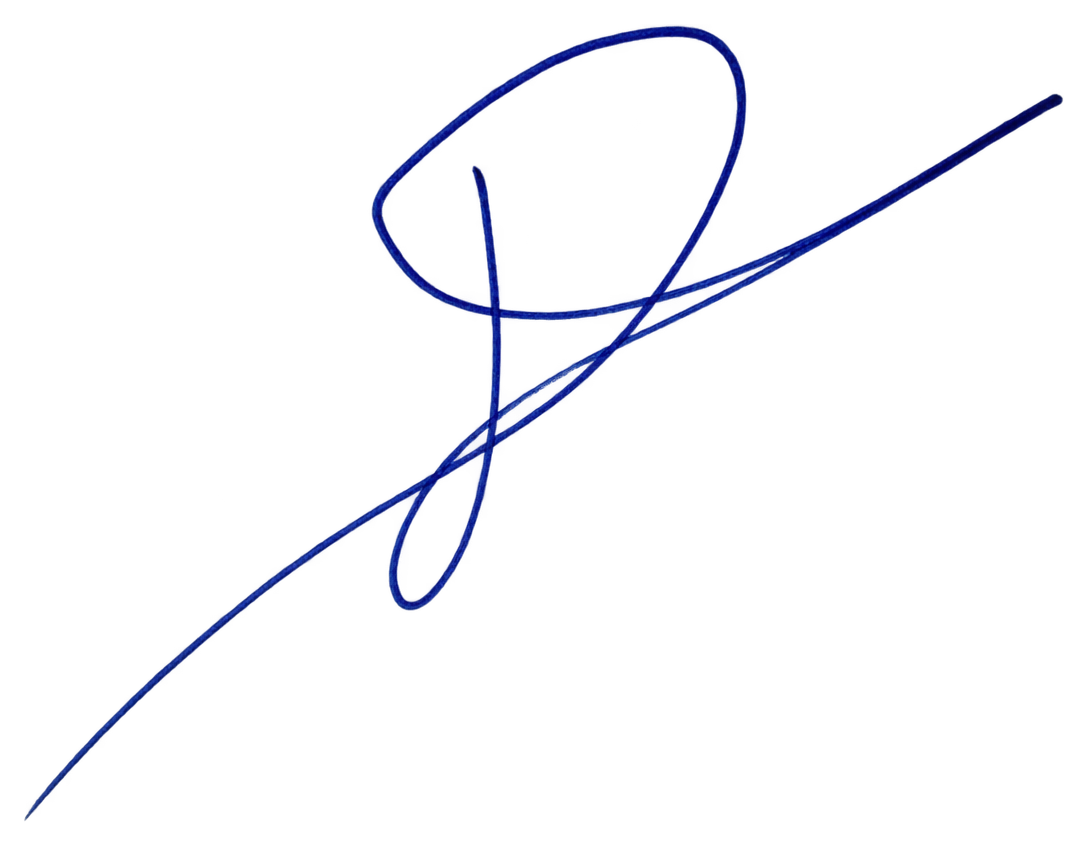
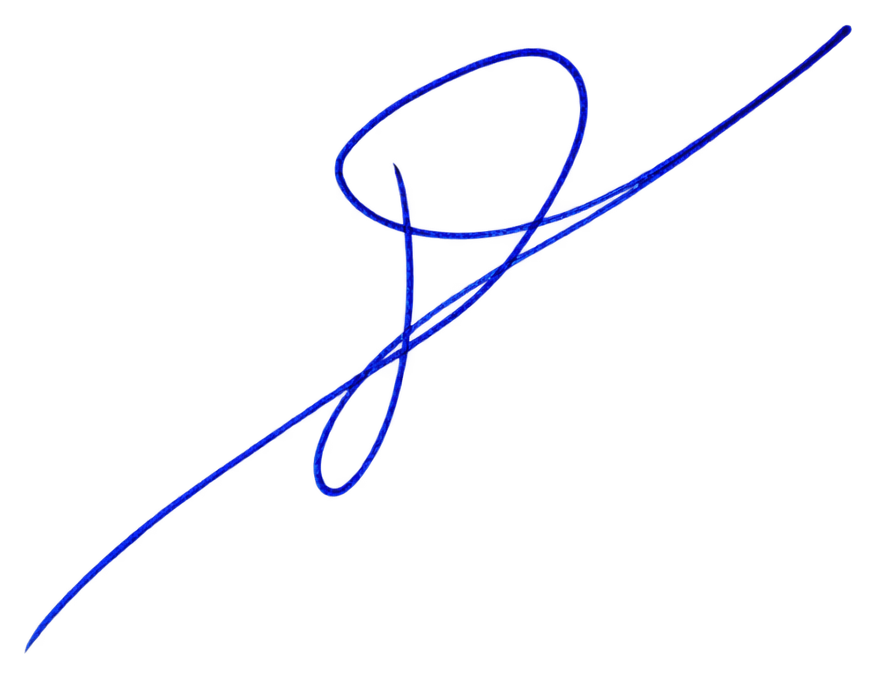
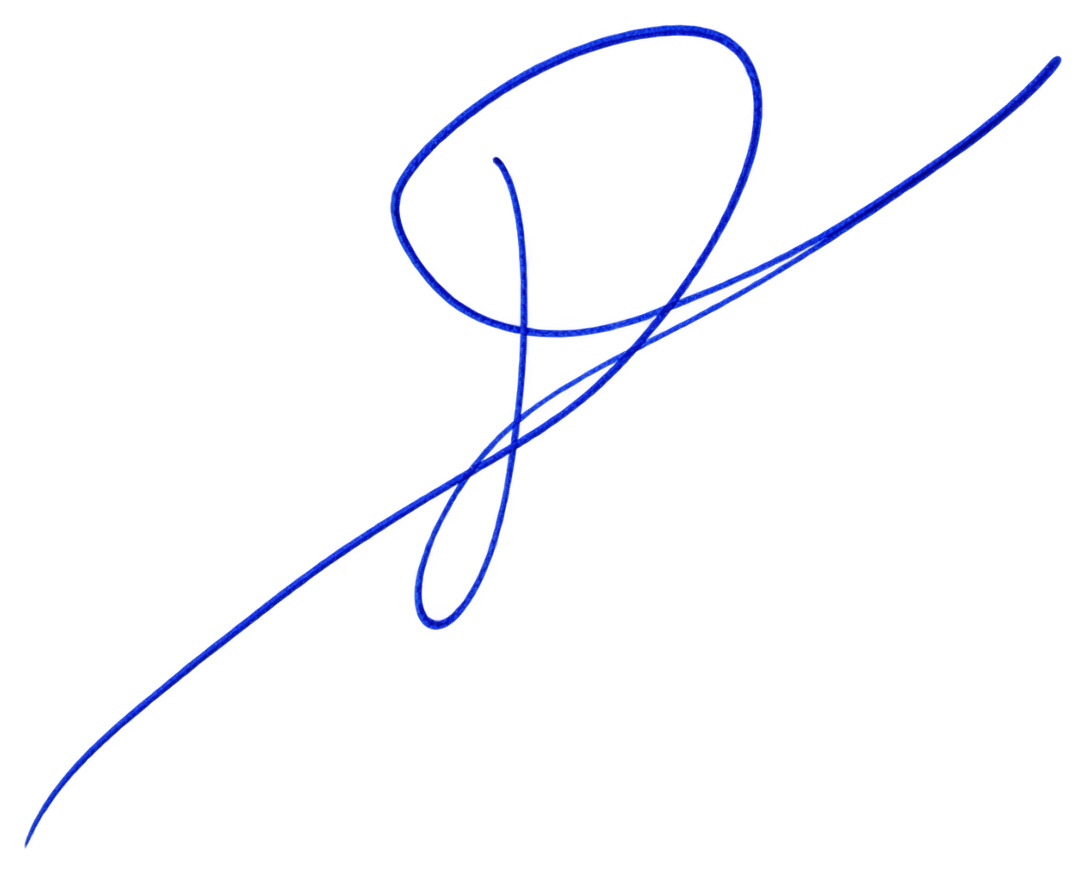
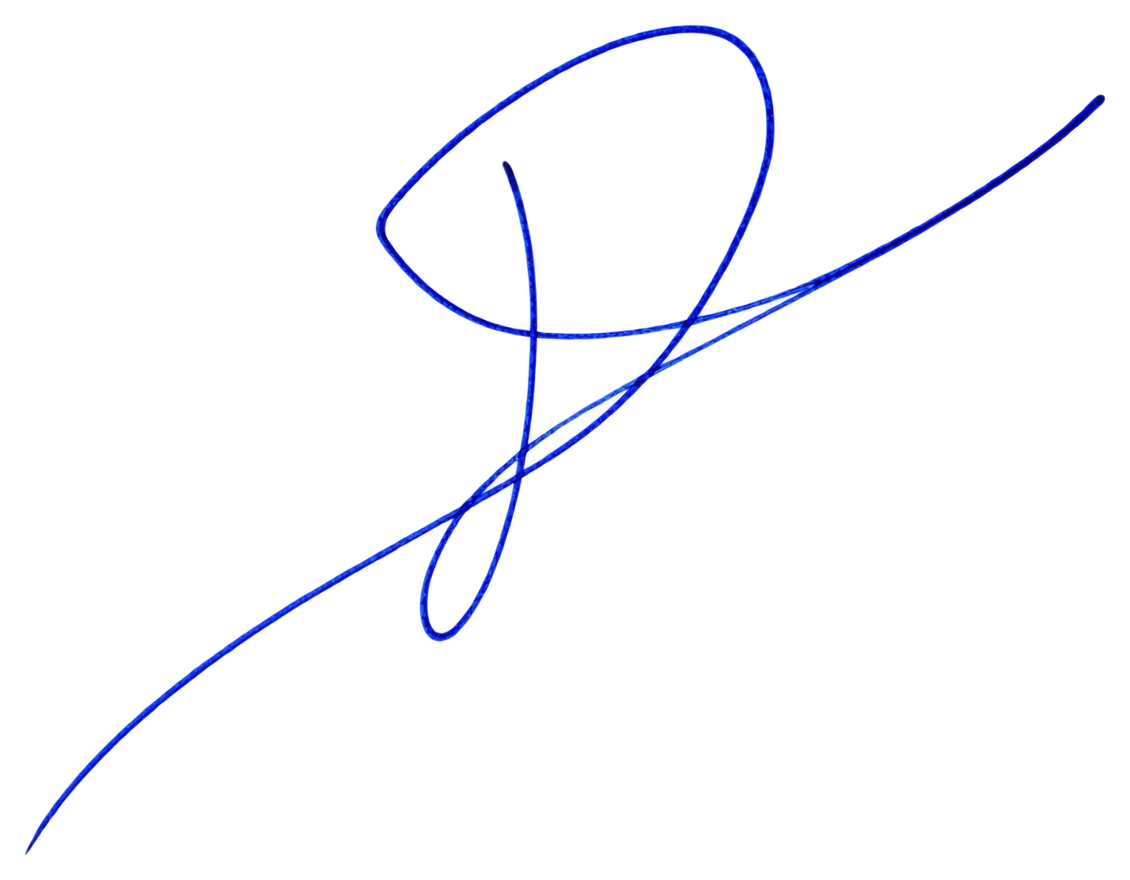
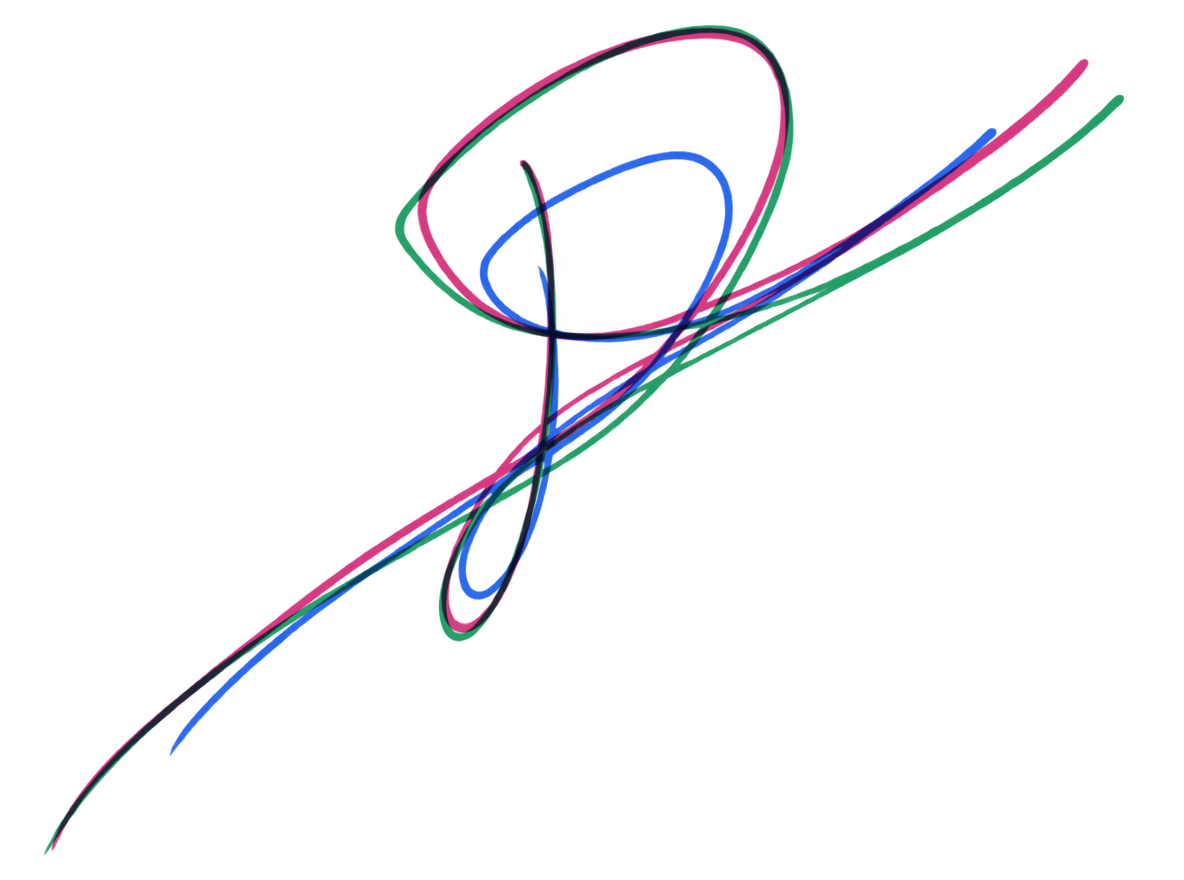
These are the three completed variations from the same test, generated from the separated signature. They are actual final outputs, with color added only in the overlay to make differences visible. In your results, the overlay shows only the latest three variations.
Change the ink color
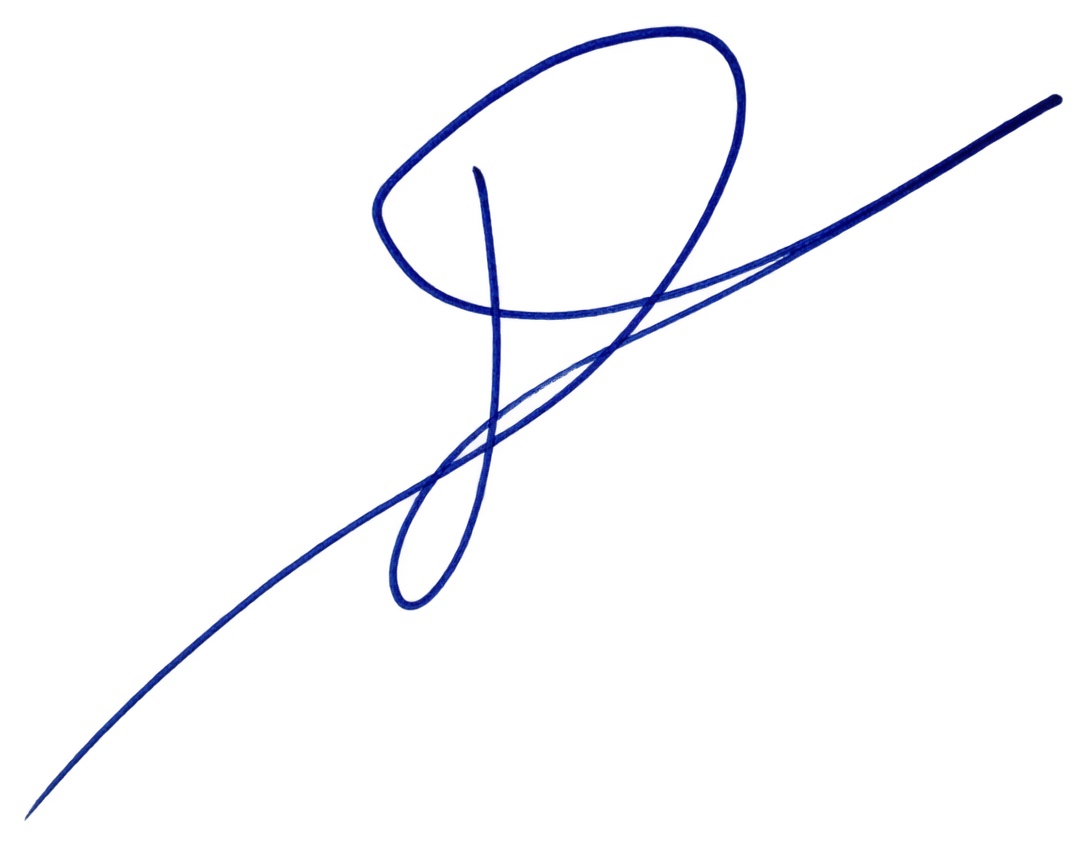
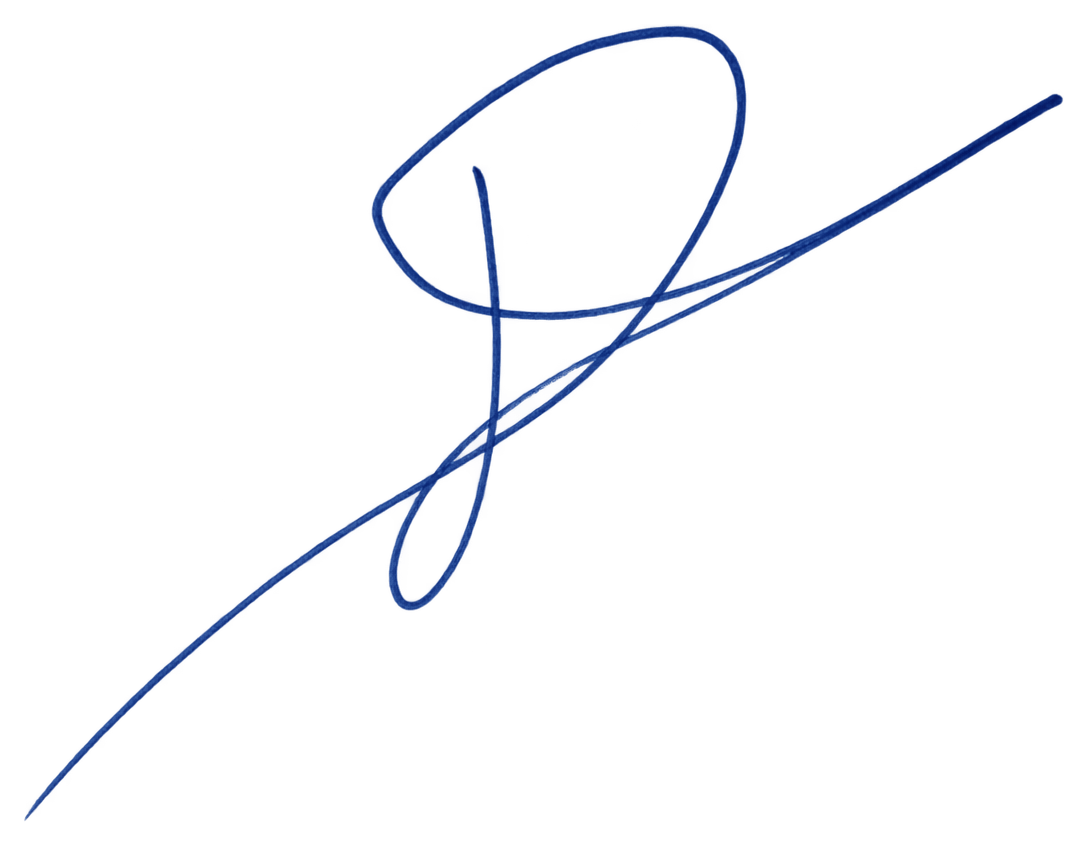
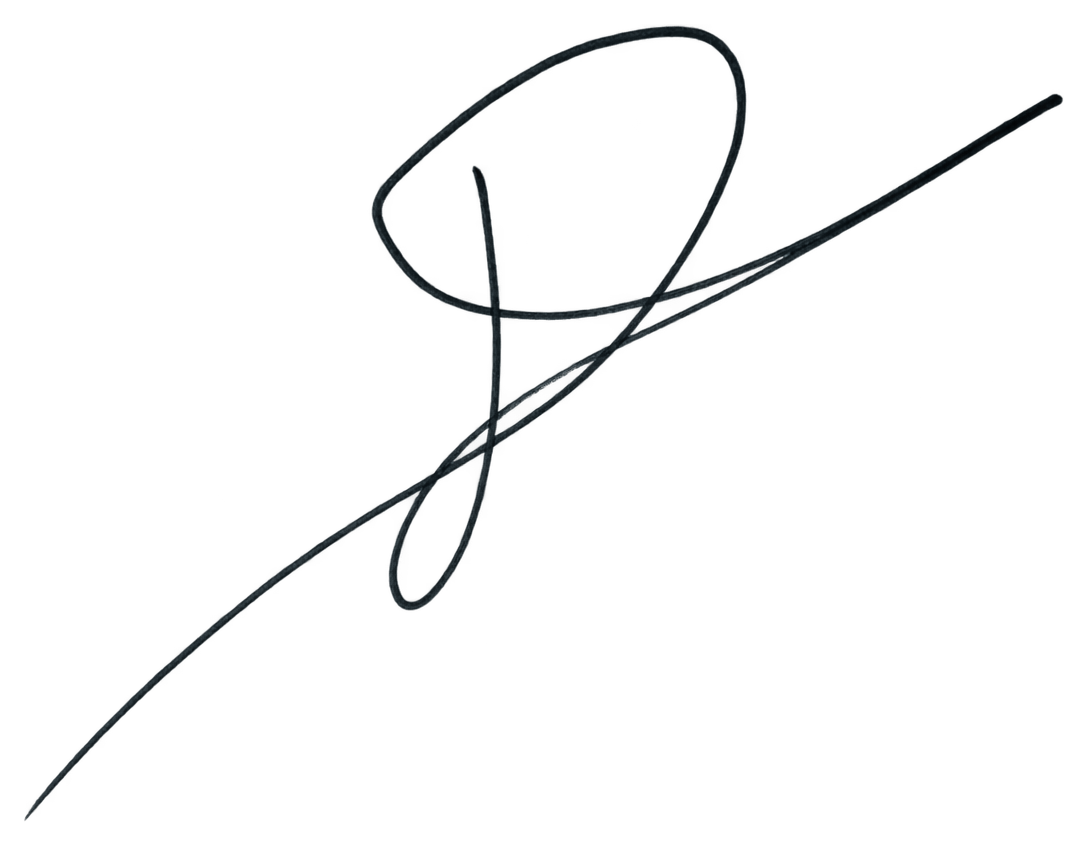
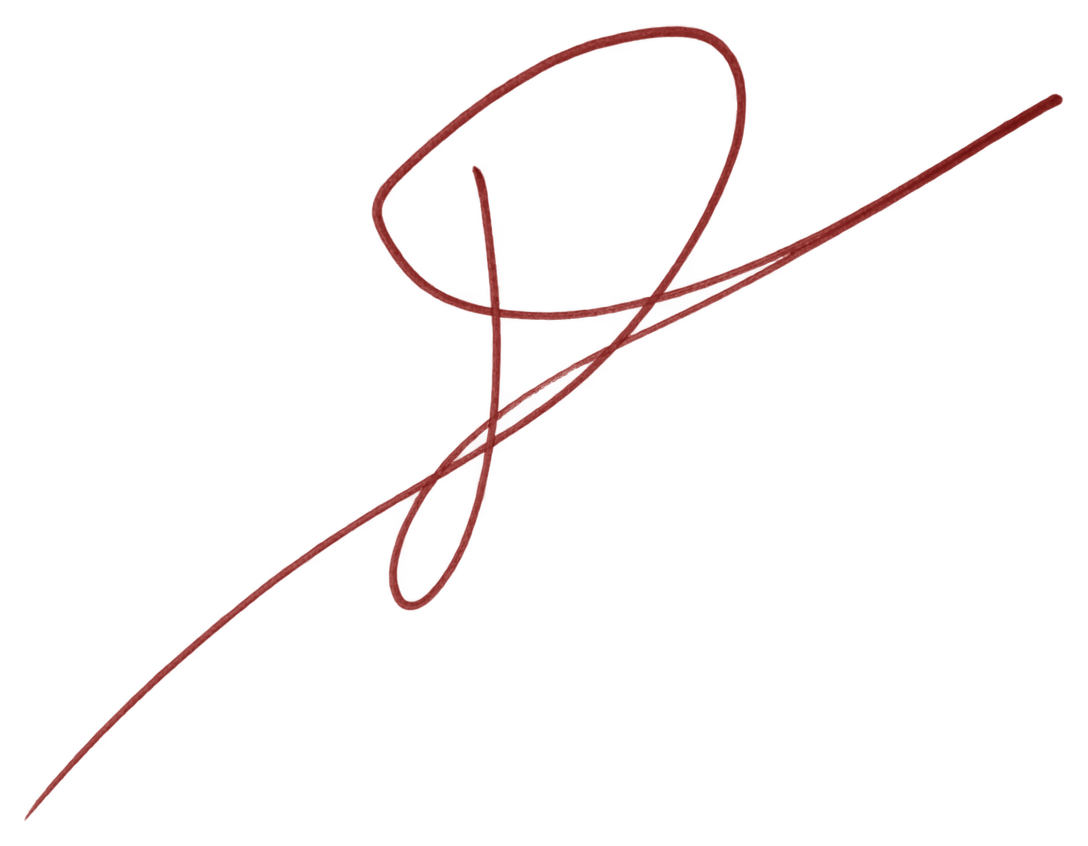
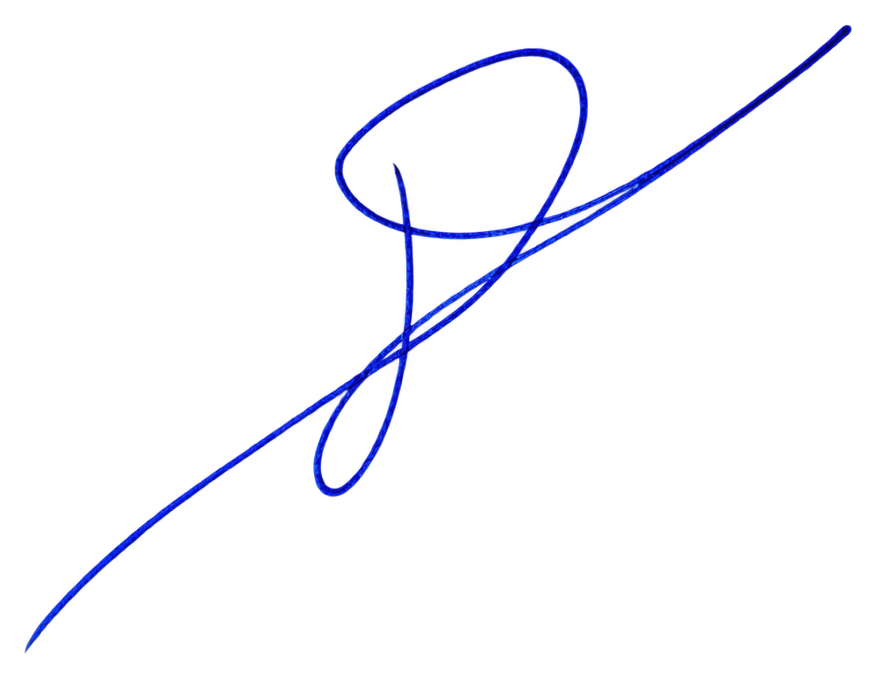
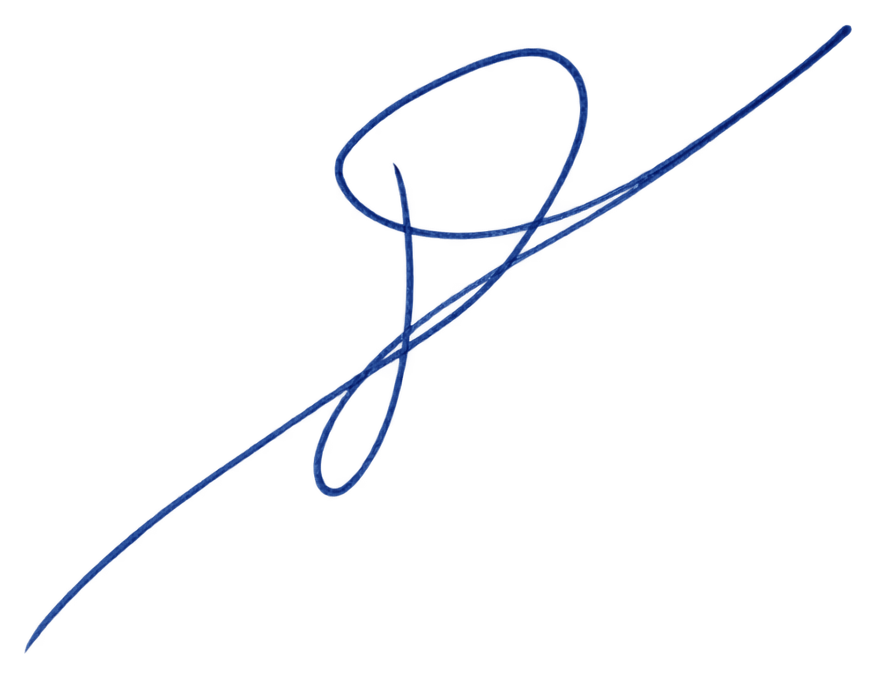
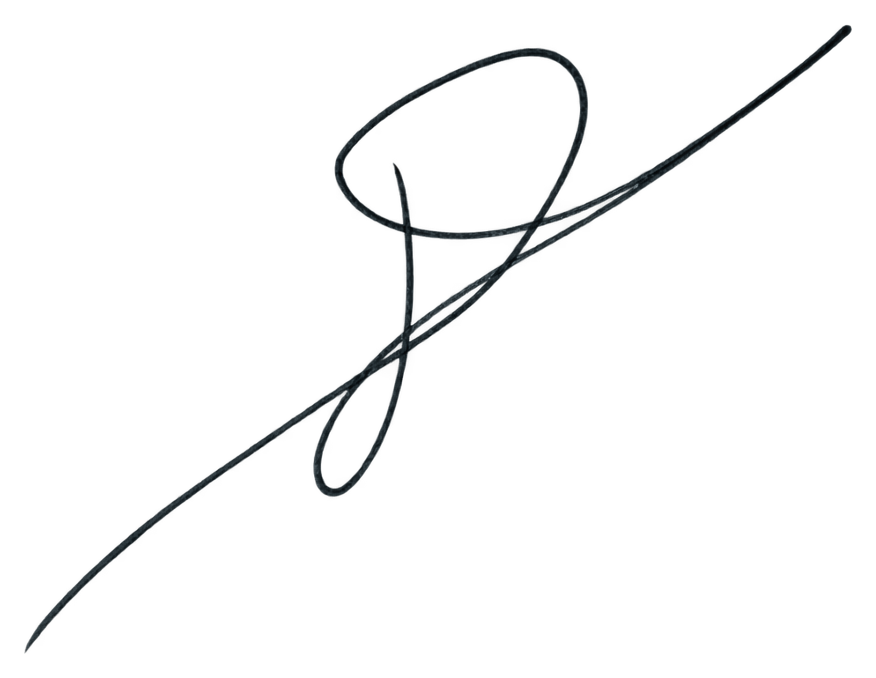
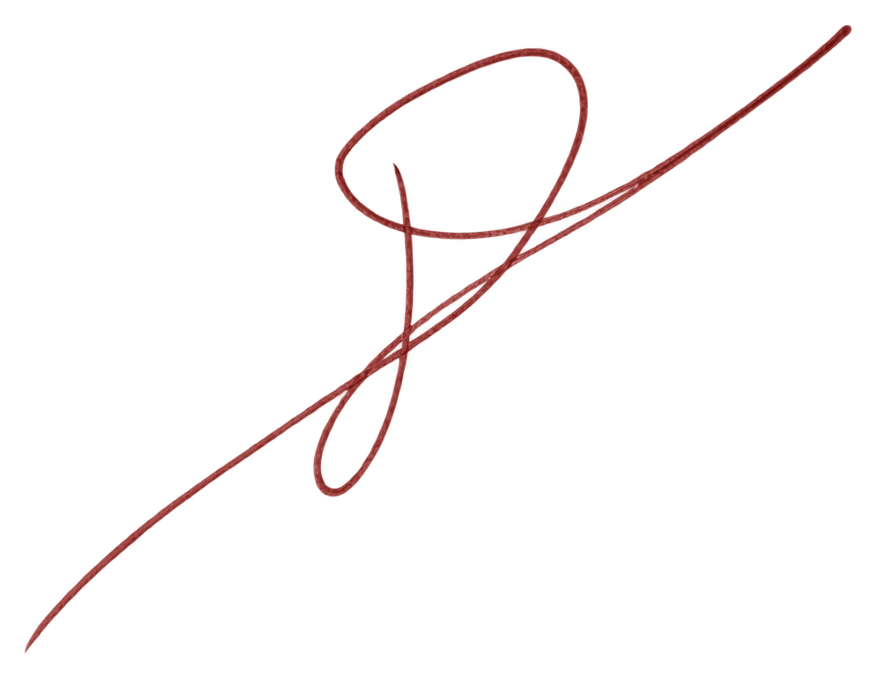
Choose a pen color while retaining the image’s stroke shapes, soft edges, and ink shading. Each signature, variation, and stamp has its own color control.
Signature
Signature variation
Stamp
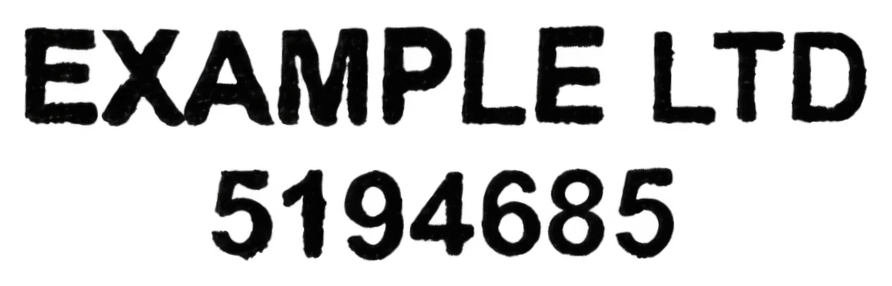
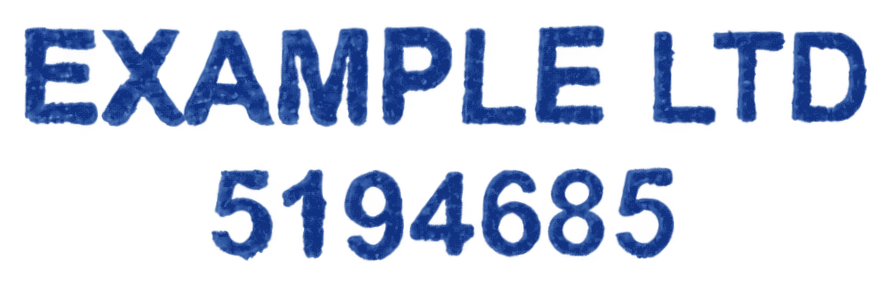
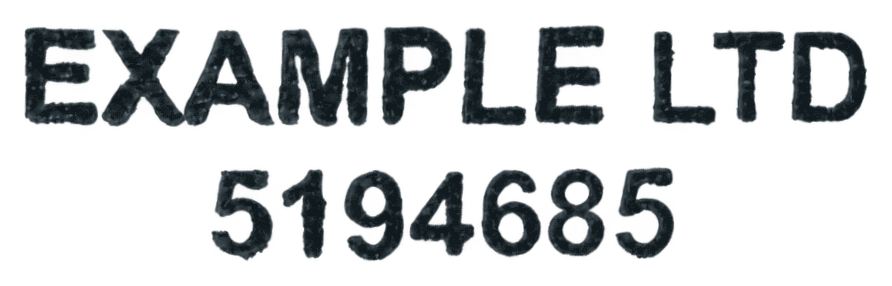

Actual outputs of the site’s ink-color control, using the same image across each row. Recoloring preserves pixel opacity and changes color only. The stamp remains separate from signature variations.
How to separate the signature and stamp
- Open the studio, sign in, and upload a JPEG, PNG, WebP image, or PDF up to 20 MB.
- For a PDF, choose the page and crop around both marks. Include the full stamp border, every character, and the signature’s long strokes.
- Review the original and the separate censored previews together. If unrelated text fills the crop, start again with a closer selection.
- Unlock the upload for US$7.99. This includes the signature and its stamp when present; final recovery starts after payment.
- Compare the finished images with the original, then download each transparent PNG. Color and tilt can be adjusted separately on each result.
Check the parts that matter
| What you see | What to do |
|---|---|
| Signature loops and joins | Follow the handwriting through each crossing. Look for missing joins, doubled lines, or an added connection that changes the shape. |
| Letter dots and small marks | Compare them with the source. A detached dot may belong to a letter, so removing every small mark can change the signature. |
| Stamp lettering and numbers | Read each character against the source, especially company names and identification numbers. Do not accept invented or substituted characters. |
| Stamp border | Inspect the points where handwriting crosses the border. A complete-looking oval does not prove that the lettering was recovered correctly. |
When to use a better source
Same-color ink, a heavily blurred photograph, or writing that completely covers a character gives the separator less information. A sharper scan may help with blur. When the original itself hides the ink, use a separate clean stamp impression or a new signature sample if available. Enlarging a screenshot cannot reveal details that were never captured.
For a stamp without overlapping handwriting, follow make a stamp background transparent. For a full document, see extract a company stamp from a PDF.
Questions about overlapping signatures and stamps
Can I create variations of the same signature after separating it?
Yes. Unlock your signature, then preview an optional set of three subtle variations guided by its characteristic shapes, connections, and style. Each set costs US$5.00. The stamp remains separate and is not varied along with the signature.
Does separating the stamp alter it when I make signature variations?
The stamp remains a separate result. Generating signature variations does not vary that stamp. Initial recovery can still estimate covered ink, so check the extracted stamp first.
Can I separate black handwriting from a black stamp?
A single monochrome crop may not contain enough information for a clean separation. There is no guarantee of recovering the hidden strokes. A separate stamp impression or a clearer original is more useful than repeated uploads of the same blurred image.
Do I get both files for one payment?
Yes. US$7.99 unlocks one upload’s signature and stamp when present. Optional signature variation sets are separate purchases. See pricing for what is included.